No. Our travel eSIMs are data only: they have no phone number, calls or SMS. That is less of a problem than it sounds, because your own SIM stays in the phone. Here is how the two work together.

Your number stays yours
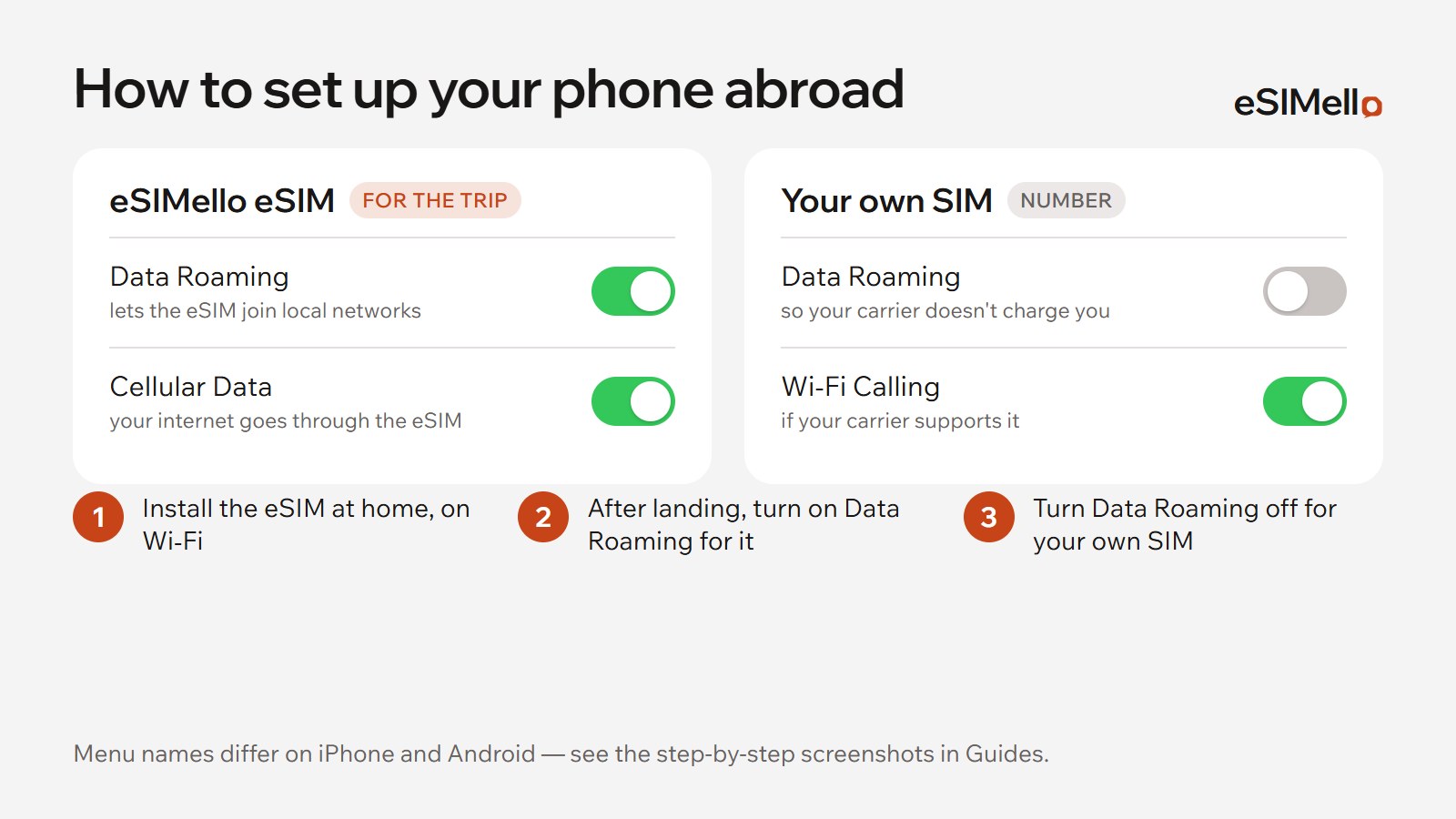
A phone with eSIM can keep your own SIM and the travel eSIM at the same time. The travel eSIM carries your mobile data abroad; your own SIM keeps your number for calls and texts.
- When you install the eSIM on an iPhone, set Default Line to your own number for calls and messages, and keep iMessage and FaceTime on your own number.
- On Android, under Preferred SIMs keep your own SIM for calls and messages, and switch mobile data to the travel eSIM when you arrive.
Our installation guides show each screen.
Calls and texts abroad
- On your own SIM: calls and texts work as roaming, billed by your carrier, so check its rates before you go. Keep data roaming off for your own SIM, so it doesn't use data abroad.
- Wi‑Fi calling: if your carrier supports it, turn it on for your own SIM. Ask your carrier how it charges calls made that way abroad.
- Messaging and call apps run over the travel eSIM's data, like any other app.
Codes sent by text
Texts to your number, such as codes from your bank, come to your own SIM. So keep its line on and turn off only its data roaming. Whether they reach you abroad depends on your carrier's roaming where you are.

Before you buy
Check that your phone supports eSIM, in does my phone support eSIM?, then install the travel eSIM at home, on Wi‑Fi.