Short answer: no. Once a travel eSIM is installed, it stays with that phone, and its QR code can't be used on another one. Here is what that means in practice, and how not to lose an eSIM by accident.
The rule
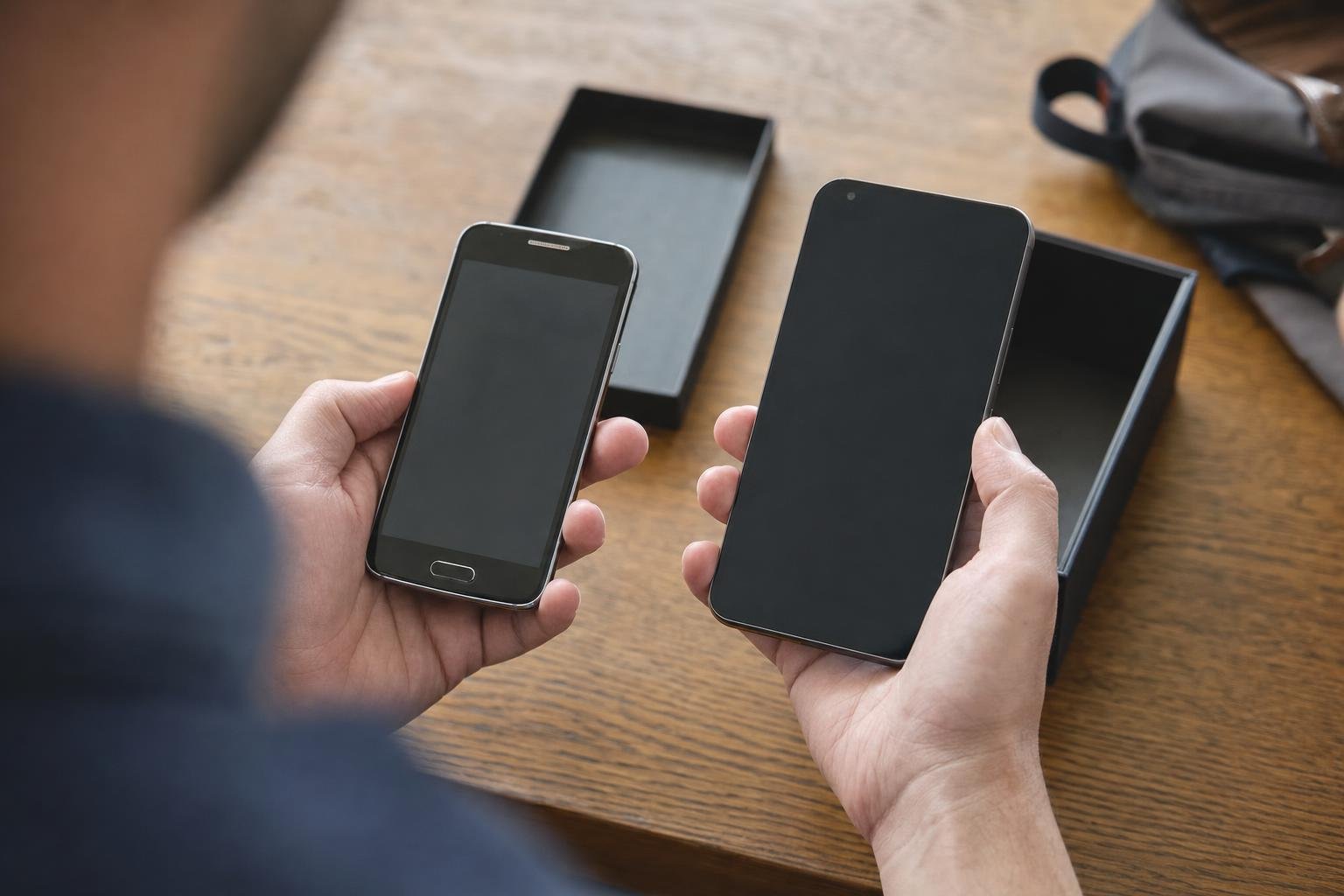
- One phone per eSIM. An eSIM works on the phone it is first installed on. After that, its QR code can't be used on another phone.
- Reinstalling on the same phone. If the eSIM is deleted, you can install it again on the same phone, from the same QR code, while the plan is valid. Our provider warns that this does not always work, so don't count on it.
- The QR code stays in My eSIMs, also after the eSIM is installed, and in the email we sent (website orders) or the bot's message (Telegram orders).
Changing phones before the trip
- Not installed yet? Install it on the phone you will travel with. An eSIM you haven't installed can also be cancelled for a refund in My eSIMs.
- Already installed on the old phone? It stays there. For the new phone you need a new eSIM.
Changing phones during the trip
If your phone is lost, broken or replaced while you travel, the eSIM can't follow it to the new one. Buy a new eSIM for the new phone. Plans arrive in My eSIMs, usually within a few minutes, so you can do it from the hotel Wi‑Fi.
Turn the line off, don't delete it
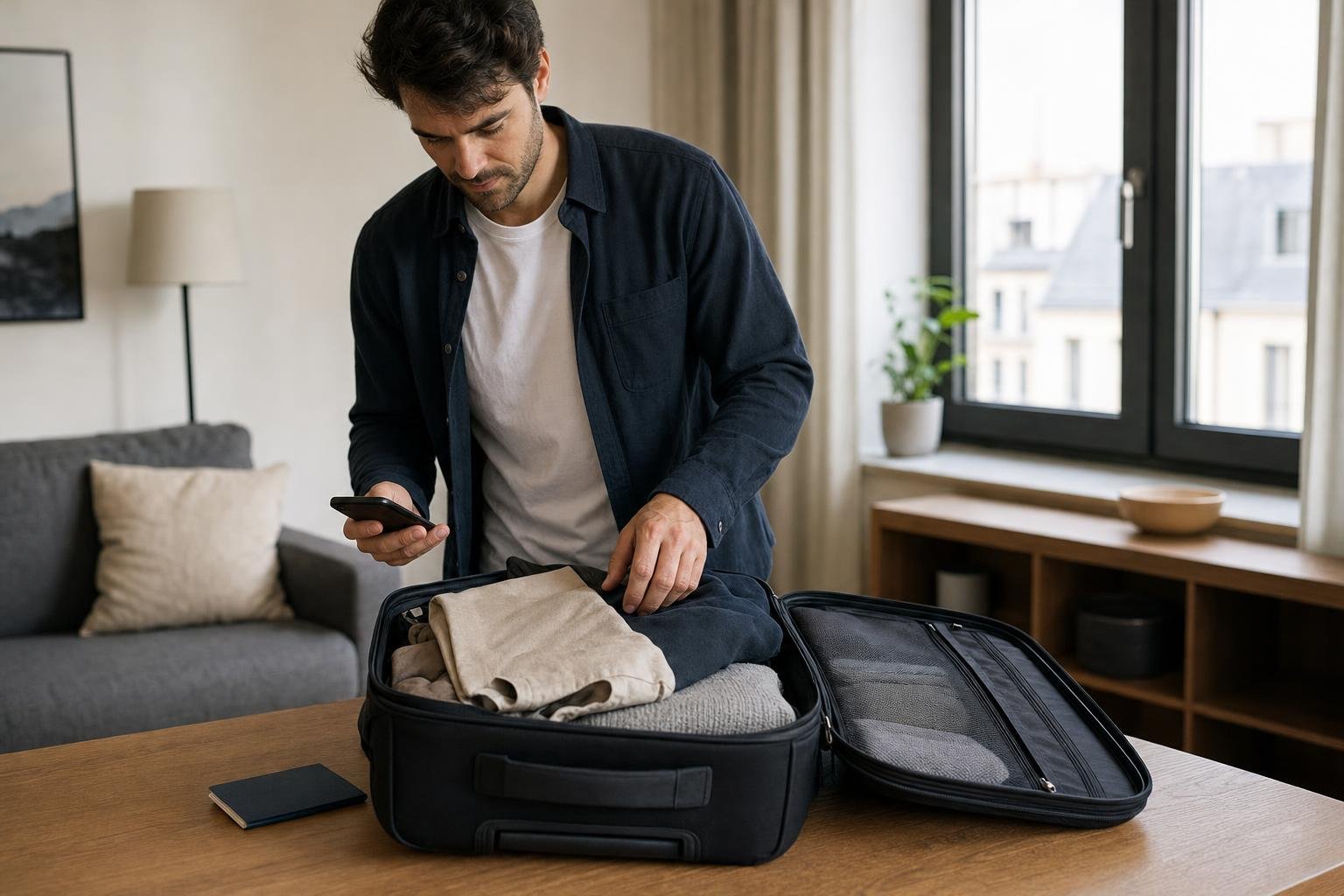
If you don't need the eSIM for a while, turn its line off in your phone's settings instead of deleting it. A line that is off keeps the eSIM on the phone, ready for the next trip while the plan lasts.
- iPhone: Settings › Mobile Service (Cellular) › your travel eSIM › Turn On This Line, off.
- Android: Settings › Connections › SIM manager, then switch the travel eSIM off.
Delete it only once the plan is used up or has expired.
Before you buy
Check that the phone you'll travel with supports eSIM: does my phone support eSIM? Then install the eSIM on that phone, at home on Wi‑Fi, with our step-by-step guides.